How to Download Your Transcript (Study Progress Overview)
(Last edited: Tuesday, 22 July 2025, 10:44 AM)
Answer:
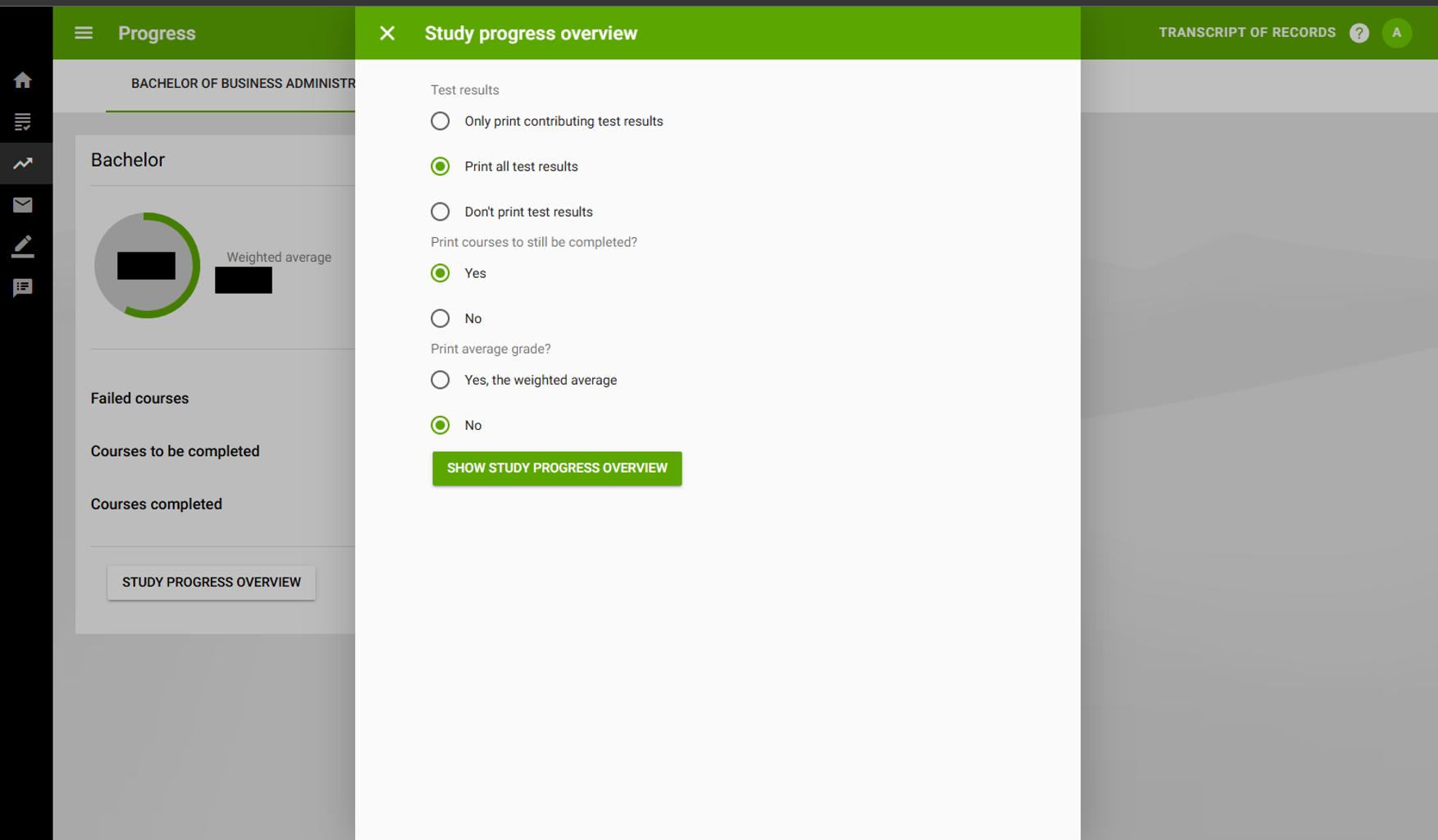
Follow the steps below to download your transcript from OSIRIS:
1. Log in to your Student OSIRIS portal using your student credentials. 2. Navigate to the “Progress” section in the main menu. 3. Click on “Show Study Progress Overview.” 4. Your transcript will be displayed. You can then download or print the document for your records.